
External data and images
Your supplier left it empty. The maker's own page has it.
Material, care, the photos: when a product arrives without them, an agent looks them up on the sites you choose, matched by EAN or name.














Sound familiar?
If your team spends its week on brand sites, this is what changes.
How it works
One agent per field, looking where you tell it to.
A research agent fills one field from the web. You decide where it looks, how a page proves it is about your product, and what goes live.
- 1
Add the agent
Put a research agent on a field that often arrives empty, such as material or care, for a category. Every product in it is researched the same way.
- 2
Tell it where to look
Name the sites it may use, such as the brand's and the maker's, and the ones it must leave alone. Write the searches yourself, or let Cernel plan them for each product.
- 3
Test on your products
Run it on a few of your own products first. You see each value with the reasoning, the source data and the prompt behind it.
- 4
Run it, then review
Run it on any selection, or on every new product as it arrives. Values wait for review wherever you want them to.
Product images
A product without a photo does not sell. Find the ones that exist, generate the rest.
Often the maker or the brand already has good photos. You decide which sites the agent may take images from; it finds your product there, brings back its photos, each one once, and the list waits for review before anything reaches your shop.
 Cast iron casserole, 24 cmEAN 5790004123564The maker's site


 4 foundReviewReview
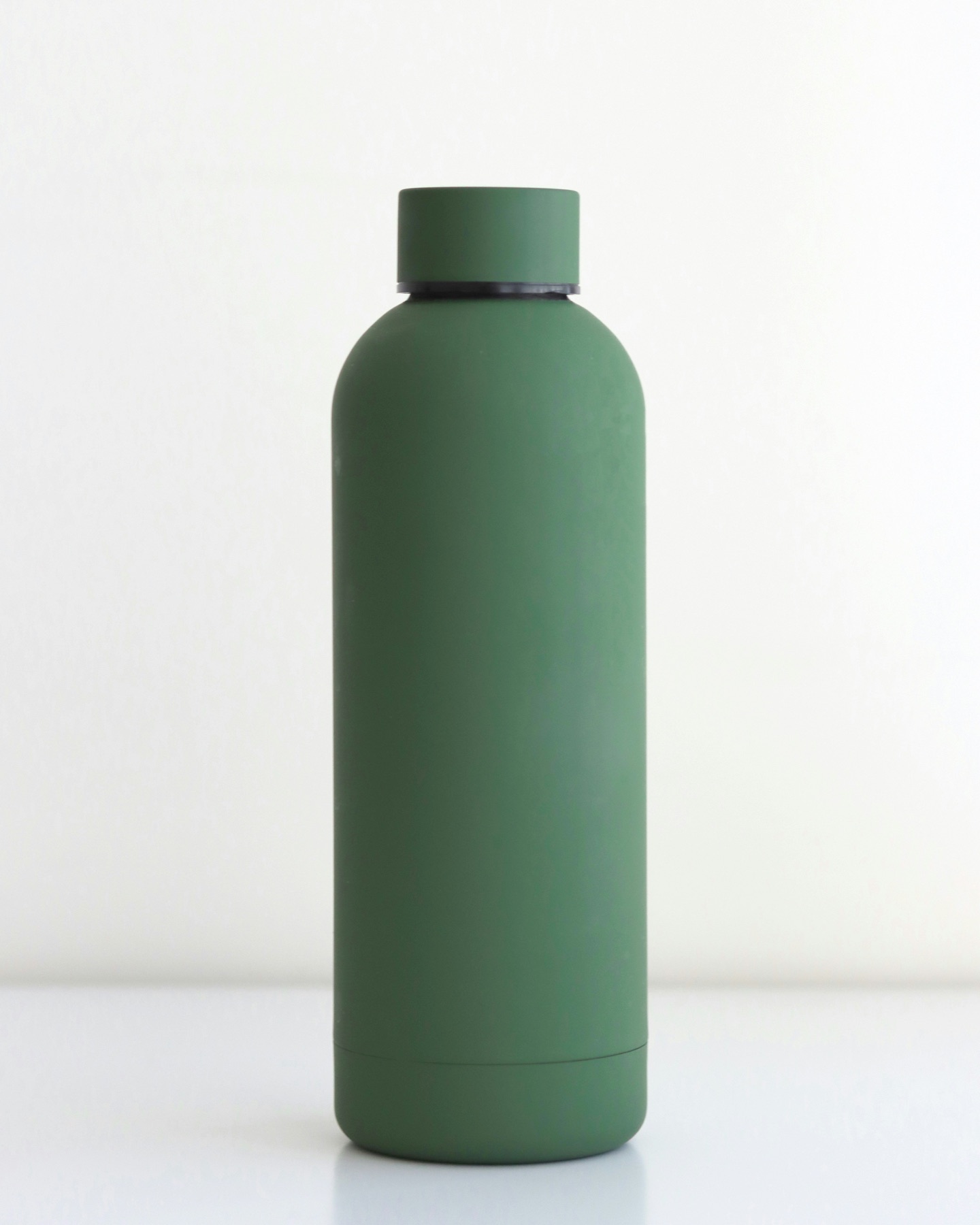 Steel water bottle, 0.5 lEAN 5712345000186The maker's site
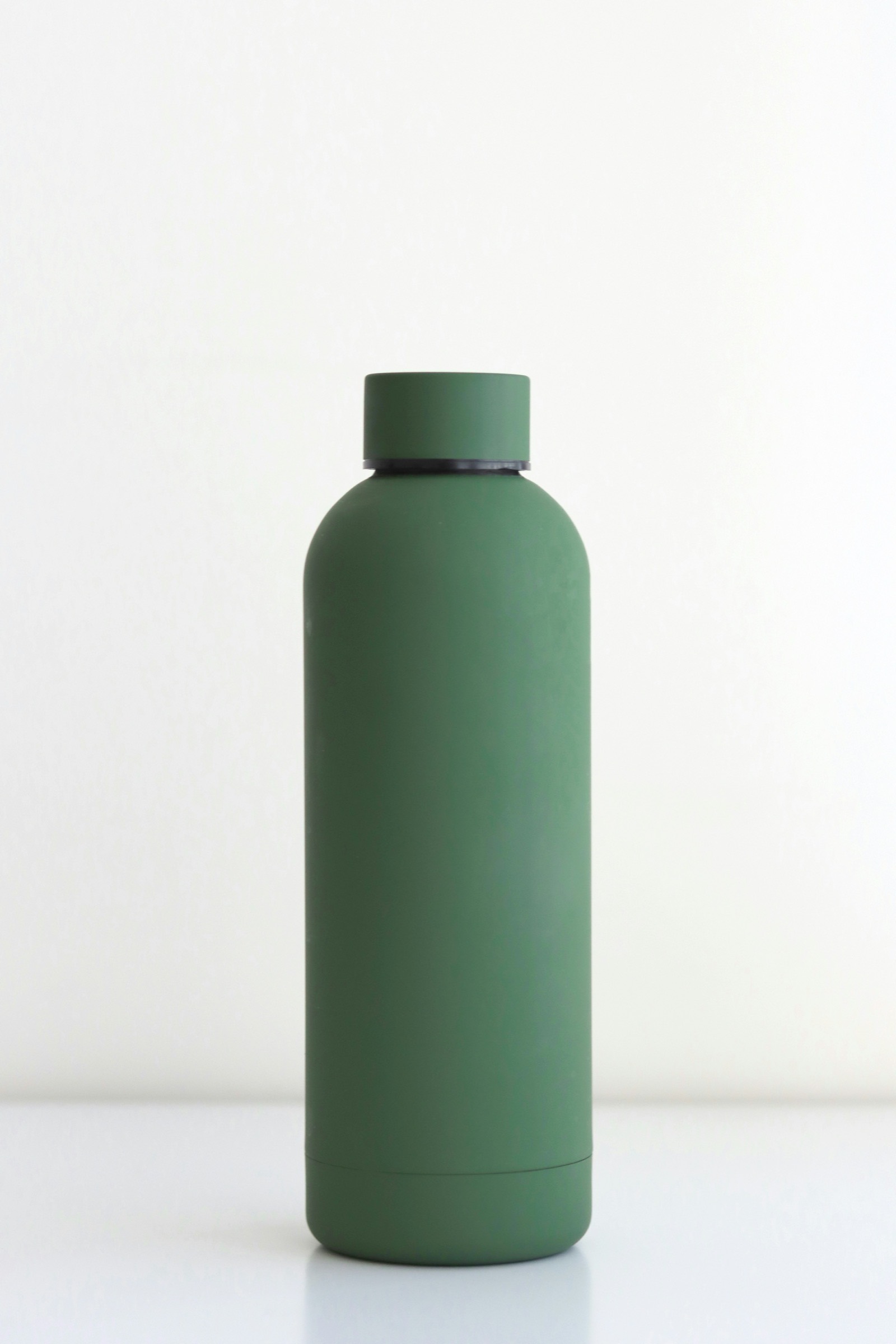 2 foundReviewReview
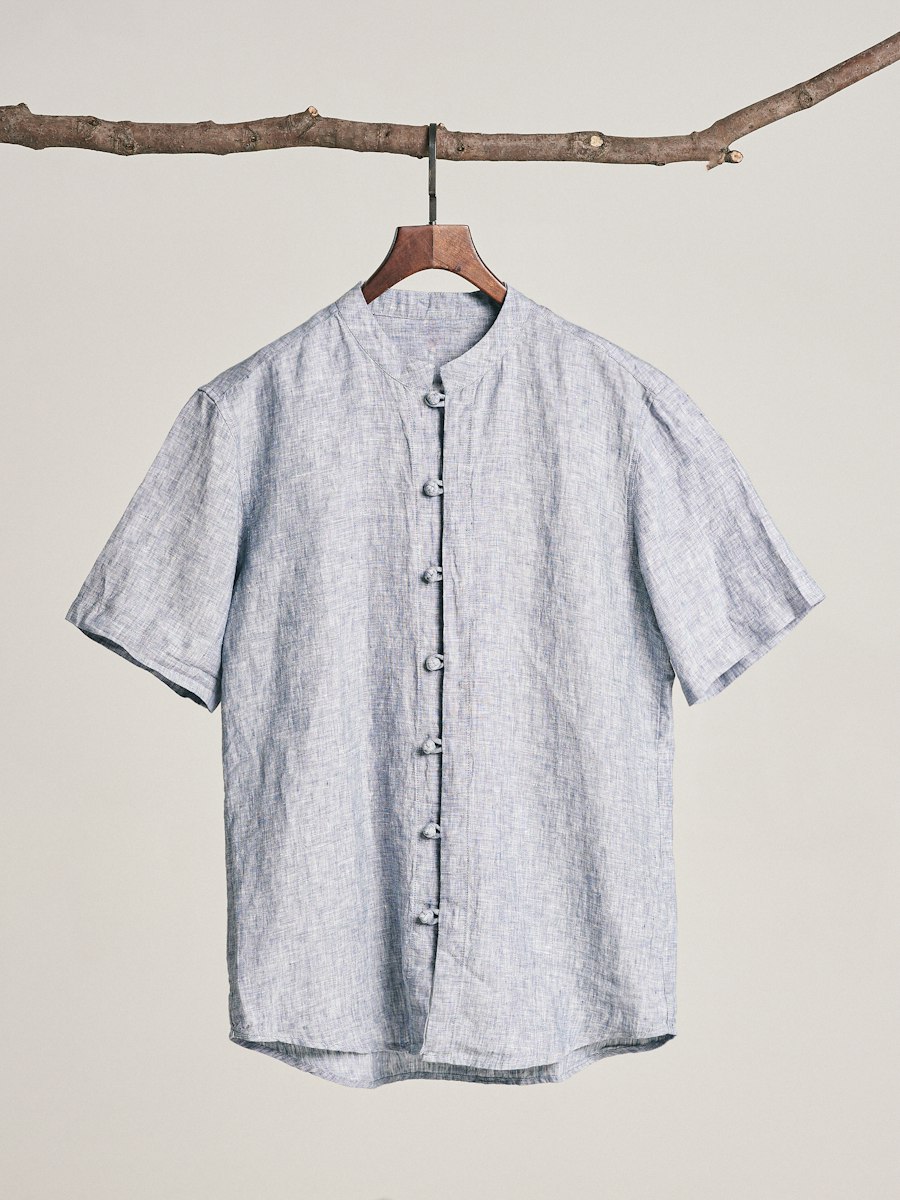 Linen band-collar shirtEAN 5714230046125The brand's site1 foundReviewReview
Found on the sites you allow
The agent searches the sites you choose, visits the pages it finds for your product and brings back its photos, each one once, for review.
Generated where none exist
A Media agent creates the images you still need, such as styled or lifestyle shots, with alt text and file names written to your instructions.
Every new product
Researched before anyone on your team opens it.
The agent runs on every new product as it arrives, and only pages about the same product count. You choose which values go live automatically and which get a review step; review steps check every value and only ask a person when something fails or needs a decision.
1,248 new products · 5 fields each
- 0Filled from a matched page
- 0Waiting for a person
- 0Left empty: no matched page states it
Firtal Group
Firtal Group added a thousand extra hands without adding headcount
- products enriched
- +25K
- organic traffic to product pages
- +20%
- faster time to market
- +80%

Tiffany Lighting Direct
Tiffany Lighting Direct gets a new supplier range live in days, not months
- to get a new supplier range live
- Days
- products from 20+ brands
- 13,000+
- extra hires needed
- 0

Questions
External data and images, answered.
Where does Cernel look for the data?
Where you tell it to. You name the sites the agent may use, such as the brand's and the maker's, and the ones it must leave alone, such as marketplaces and resellers. Then write the searches yourself, or let Cernel plan them for each product from its own details.
How does it know it found the right product?
Through product matching. Pick an identifier, such as the SKU, GTIN or EAN, and a page only counts when it carries that code. Without identifiers, a broad search matches on the product's title instead. You can also add words or codes a page must contain.
Can we see how a value was found?
Yes. In Review, every value an agent proposed shows the attributes it used, the agent's reasoning and the exact prompt it ran with. On the product, each value shows that an agent wrote it, when it changed and its earlier versions, which you can restore.
What if no page has the value?
You decide what happens. Product matching means only pages about your exact product count, and the agent's instructions can say that a field stays empty unless a matched page states it, so your team sees the gap instead of a guess. Most teams do this for technical and safety fields.
Can Cernel find and create product images?
Both. An agent finds the product's photos on the sites you allow and brings each one back once, for review. A Media agent generates new images, such as styled shots, with alt text and file names from your instructions.
Does anything go live without our approval?
Only if you choose to. You choose which values go live automatically and which get a review step; review steps check every value and only ask a person when something fails or needs a decision. You can also test the agent on a few of your own products in the sandbox first.
Where to next.
- Product data enrichment
The facts are in. The copy is not.
Titles, descriptions and every attribute written from the complete record, in your voice.
- Agentic review
Nothing should go live unchecked.
Review steps check every value and only ask a person when something fails or needs a decision.
- Supplier data onboarding
Every supplier sends a different file.
Their file, in their layout, turned into complete products.