
Home and interior
The sofa page doesn't say how deep it is. So it comes back.
Suppliers send the size as one string and the colour in their own words. Cernel turns every sheet into the fields shoppers filter by.






Why products come back
Shoppers ask what the page should say. Customer service answers it, again.
Dimensions, materials and care drive both the filters and the questions. When a supplier sends them in one string, or not at all, someone types them in by hand or the shopper guesses.
The size is one string, or nowhere
198X86X84, with no clue which figure is the depth. Shoppers cannot filter by the wall they want to fill, so they email to ask, every day.
Width, depth, height and box size become numbers of their own, in the unit you set.
One supplier is clean, the next takes weeks
Every vendor has its own columns, its own colour words and a title that reads like a stock code. Each new range is a fresh mapping job by hand.
Each layout is mapped to your fields, and files about one product join on the EAN.
A wrong answer comes back as freight
Will it fit through the door, does it come assembled, how do I clean it. When the page does not say, a bulky return pays shipping twice.
Material, care, assembly, room and style are filled in, from your lists, before the product goes live.

Will it fit?
Shoppers measure the doorway before they buy the sofa.
Follow one sofa from the supplier's file to your product page. Pick any step to see it again.
45%of shoppers have returned an online purchase because the product information was wrong or misleading. Salsify Consumer Research, 2026
The supplier sends the size as one string, 198X86X84. Nothing says which figure is the depth, so the product page can't show it.
 Supplier file198 cm84 cm86 cm deepTheir doorway, 90 cm
SOFA3STRCHNLPETROL198X86X84- Width
- Not on the page
- Depth
- Not on the page
- Height
- Not on the page
- Delivered in one box
- Not on the page
Example values.
Every supplier, its own sheet
Three brands, three words for a colour. One filter a shopper understands.
Follow three vases from three brands' files to one colour filter in your shop.
Three brands, three words for a colour, each in a column of its own: TERRA, Blush clay, Chalk white. A shopper filtering by colour finds none of them.
Your colour list
- Beige
- White
- Grey
- Pink
- Orange
- Green
- Blue

Brand A, column “Colour”
TERRAColour family

Brand B, column “Finish”
Blush clayColour family

Brand C, column “Col.”
Chalk whiteColour family
Example products and values.
Found the way people shop
Shoppers browse by room. One vase belongs in three of them.
A supplier title says what a product is, not where it goes. Follow one vase into every room collection it suits.
The supplier's title says what it is: RING VASE STW SAND 22. Nothing says where it goes, so no room in your shop lists it.

Stoneware ring vase, sand, 22 cm
- Material
- Stoneware
- Finish
- Matte speckled glaze
- Care
- Hand wash only
Picked from your room list
 Living room
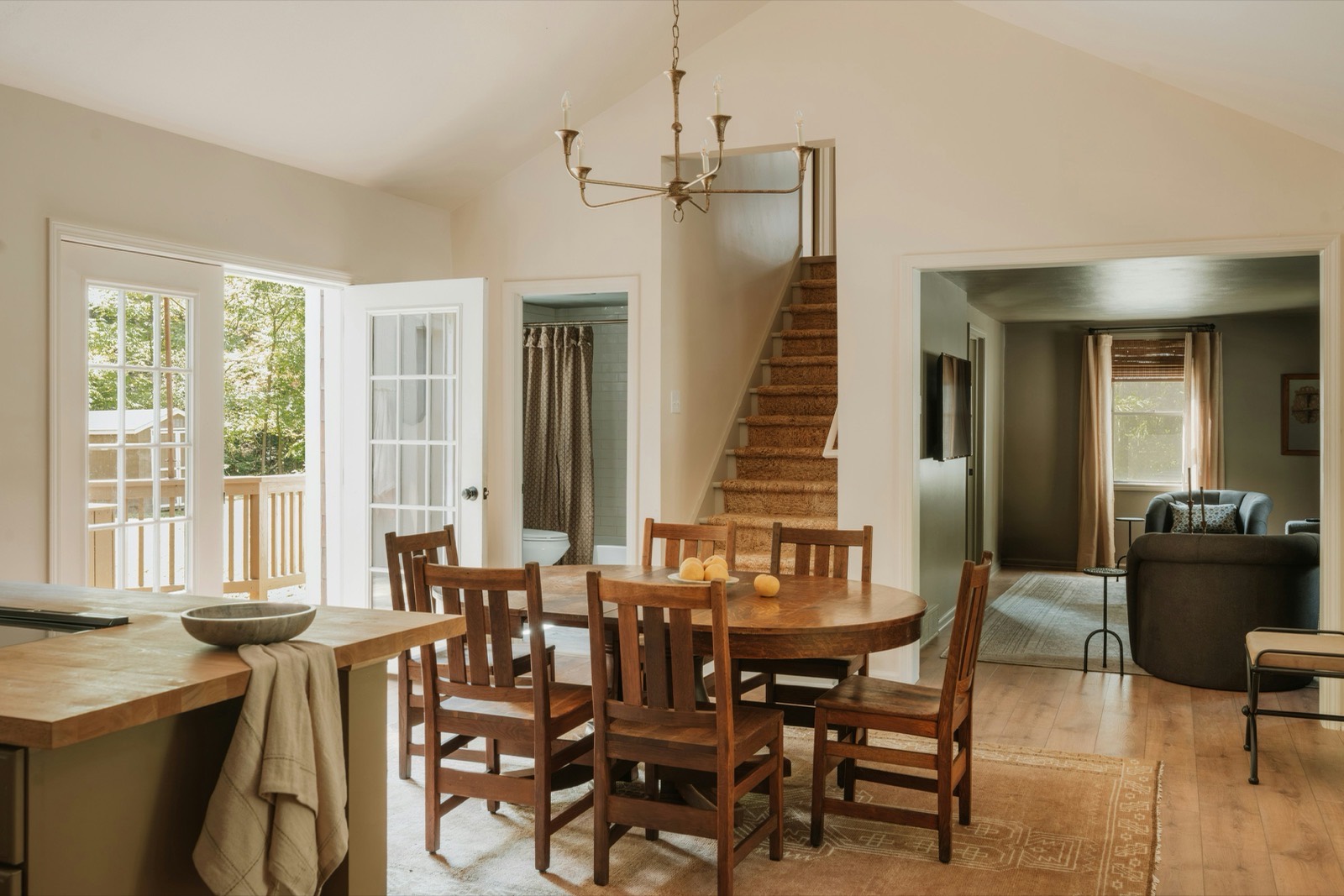 Dining room
 Bedroom
 Bathroom
Example product and values.
How it works
From ten vendor sheets to one catalogue. What happens to one sofa.
Cernel works next to the systems you already have. Blue is an agent at work, yellow is your team deciding, green is done.
01Comes in
Every vendor sheet comes in
Upload each supplier's file in whatever layout it comes, or connect your shop or PIM. Cernel lines every layout up with your own fields, and files about one product join on the EAN.
02An agent works
Filed where it belongs
Each product lands in the right category, in your own category tree if you have one. The category decides which fields it needs, so bulb fitting stays on lighting.
03An agent works
One agent per field
An agent splits 198X86X84 into width, depth and height, another picks the colour family and rooms from your lists. Where the sheet is silent, an agent reads the maker's page on sites you allow; what no source states stays empty.
04Your team decides
Checked before it goes live
You choose which values go live automatically and which get a review step; review steps check every value and only ask a person when something fails or needs a decision.
05Done
Back to your shop
Approved values go back to the shop and PIM systems we integrate with, typically within a minute, and to any other platform through the API or a file in its own columns.
“Whether it's 100 products or 10,000, the setup takes the same time. You press a button and it brings back what you want to see.”
What changes
Every product page answers the question. Your team decides what goes live.
Fields of their own
- Width198 cm
- Depth86 cm
- Height84 cm
- MaterialOak veneer
- Colour familyBeige (supplier: Taupe)
- RoomLiving room, Bedroom
- StyleScandinavian
- CareWipe with a damp cloth
- AssemblyAssembly required
- Bulb fittingE27
Example values. You define the fields and the lists they pick from.
You stay in control
- You define the fields and the value lists agents pick from.
- Test an agent on a handful of your own products before it runs on the range.
- Every AI-written value shows its inputs, its reasoning and the prompt behind it.
- Every value keeps its history: manual edits show who made them, and earlier versions can be restored.
In and out
- Supplier filesIn whatever layout each vendor sends
- Your shop and PIMTwo-way with the systems we integrate with: products in, approved values back
- Any other platformThrough the API, or a file in the columns it expects
- Google ShoppingA feed file, ready to upload
Tiffany Lighting Direct
Tiffany Lighting Direct gets a new supplier range live in days, not months
- to get a new supplier range live
- Days
- products from 20+ brands
- 13,000+
- extra hires needed
- 0

FAQ
Questions home and interior retailers ask us.
Our suppliers write dimensions in different orders and units. Can shoppers still filter by width, depth and height?
Yes. Width, depth and height are three fields, each filled by its own agent in the unit you set, so 160x90x75, W160 D90 H75 and 1600 mm wide all end up as numbers in centimetres. Test the agents on your messiest supplier files first, and let the dimension fields wait for review until you trust the results.
We run our own shop platform. Can we use Cernel?
Yes. Bring your products in as a file or over the API, and send the approved values back as a file in the columns your platform expects, or let your platform pick them up over the API. With the shop and PIM systems we integrate with, it runs both ways by itself.
Two suppliers send us the same lamp. Do we end up with two products?
No. Map the GTIN or EAN as the product identifier, and the second supplier's file updates the product the first one created, so you keep one lamp with both suppliers' facts.
Many of our suppliers only send a packshot. Can Cernel help with room photos?
Yes. Cernel can generate room-setting and lifestyle images in your style, and find the maker's own photos on the sites you allow. You choose whether new images go live by themselves or wait for a person.
How does Cernel work with our PIM and our shop?
Cernel is the AI layer that fills them. It connects both ways to the PIM and shop systems we integrate with: products come in, and approved values go back, typically within a minute. Any other system, your ERP included, works through the API or files.
Where to next
See the part that fixes it.
- Platform
Supplier data onboarding
Every supplier's sheet, in whatever layout it arrives, mapped to your fields and joined on the EAN.
- Platform
Product data enrichment
Width, depth, height, material, room and care, each in a field your filters and search can use.
- Team
Master data
For the team that keeps every supplier's values in one standard, without re-keying.