
Translation and localization
Every new market means rewriting every product.
Cernel writes each product in every language you sell in, in the words, spelling and units of each market, by rules you set once.
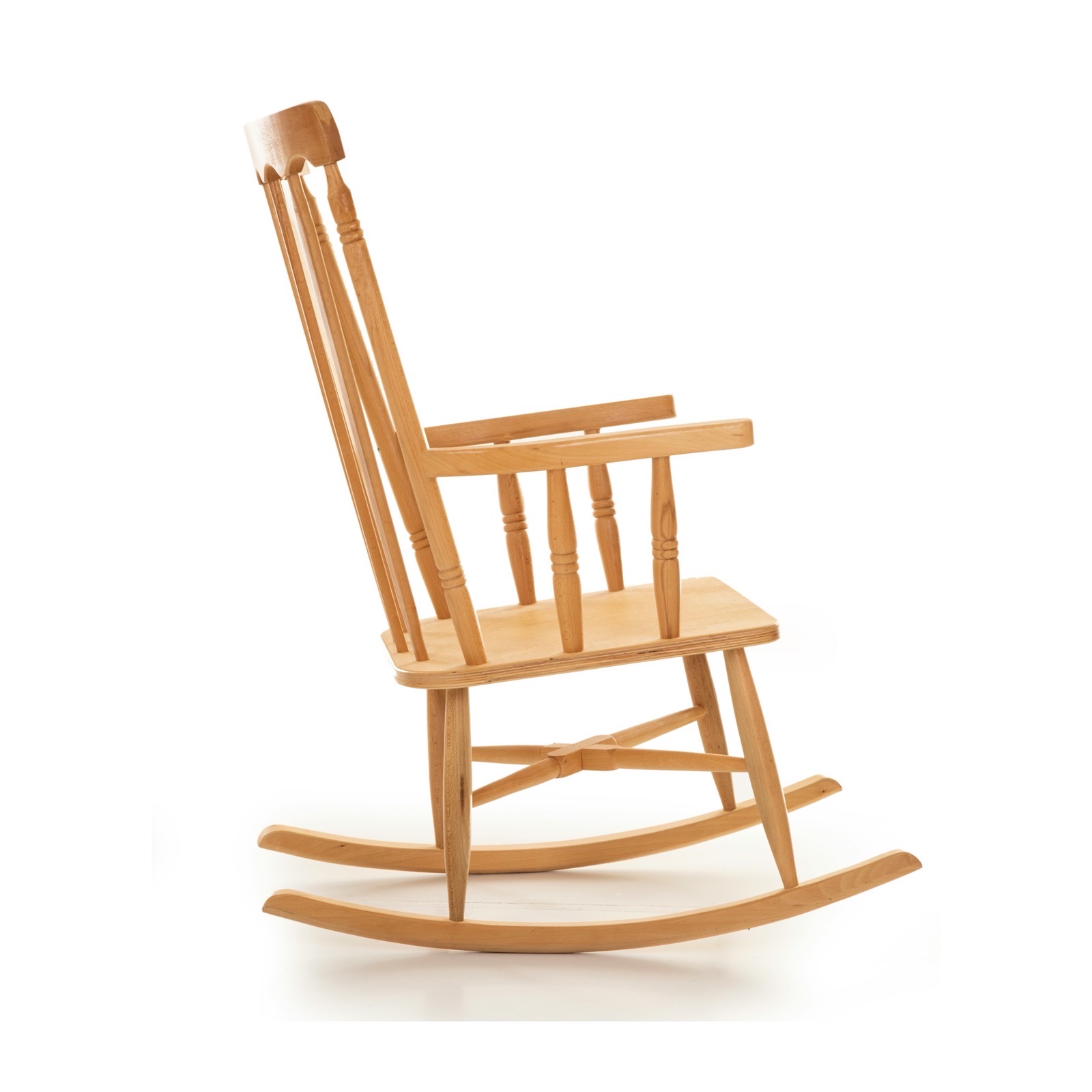
Product record Furniture
- Material
- Solid wood
- Finish
- Natural
- Seat height
- 42 cm
- en_GB
- en_US
- de_DE
- da_DK
- sv_SE
- fr_FR
- nl_NL
United KingdomGenerated for this market
Wooden rocking chair with armrests, natural
A rocking chair in solid wood with a natural finish. A spindle back, wide armrests and two curved rockers give it a slow, steady rock.
Solid woodNatural finishSeat height 42 cm
en_GB prompt British spelling and shop terms.
1 of 7 markets written from one product record




Sound familiar?
If one of these sounds like your next market, this page is for you.
How it works
From one product record to every market, in five steps.
What happens between adding a market and its product pages going live, with nobody copying text between spreadsheets.
Add your markets
Add each language by its code, such as en_GB, en_US or de_DE. UK and US English are two markets, each with its own rules.
Set the rules once
Each language gets a prompt for writing and one for translating. An agent can add its own instructions for any one language.
Plan the run
Per language, write it fresh, translate it from another language, or skip it. Fix the plan for an attribute so it is always done the same way.
Checked like the original
Translated values go through the same checks as the original, and your team can filter Review to one language at a time.
Back to every store
Each language goes back to your shop or PIM as that language's version of the product, or out as a file per language.
Local wording
Translated word for word, searched for by nobody.
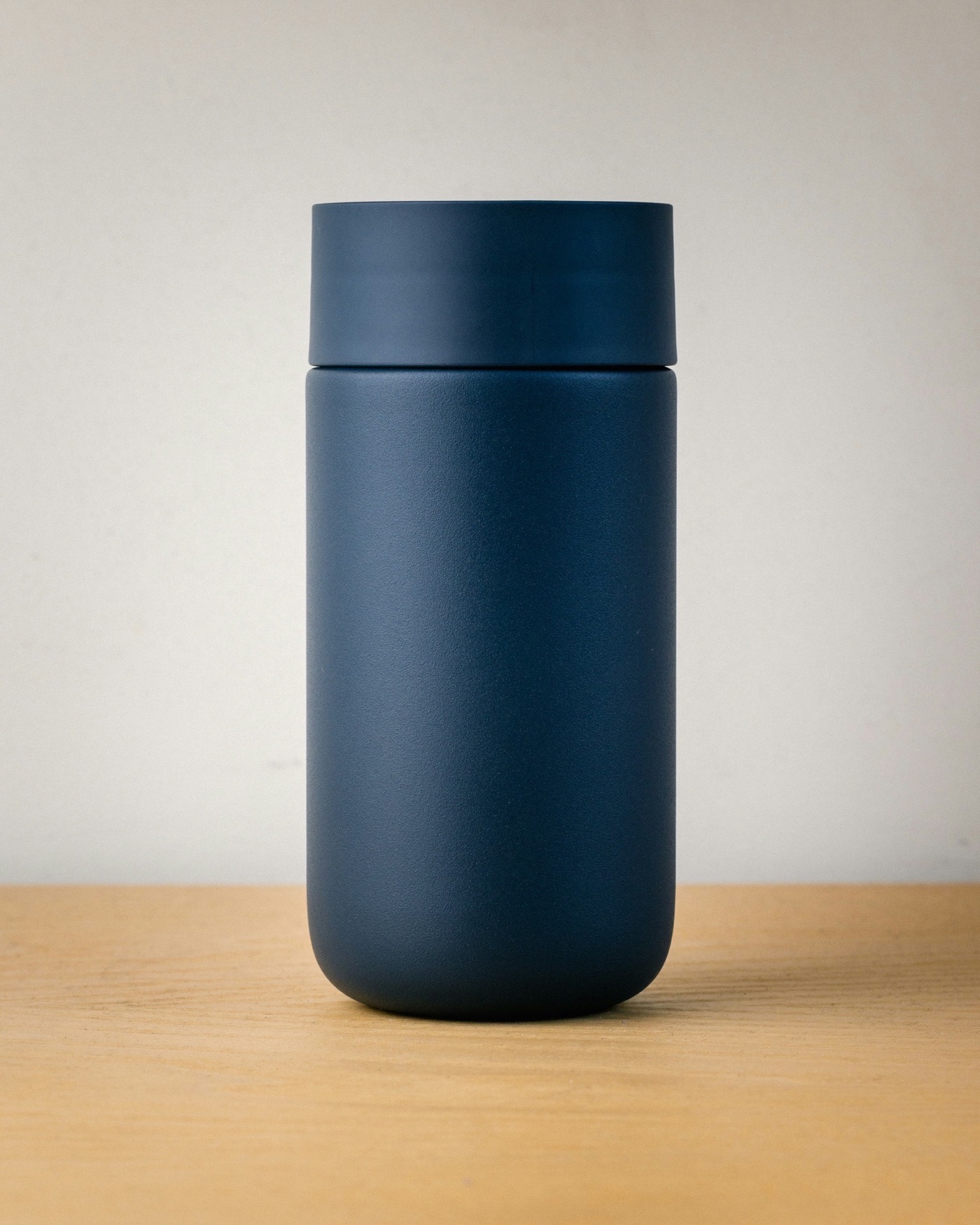
A word-for-word translation keeps the original's words, not the ones shoppers search for: a travel mug becomes a Reisebecher, while German shoppers search for Thermobecher. In Cernel each language has its own rules for writing and translating, and each market can follow its own keyword list, so every product page uses its shoppers' words. What shoppers search for in each market is on Market insights.
en_GB Primary language
Insulated travel mug, 350 ml, navy
Use this market's keyword list in the title where it reads naturally.
de_DE
seo/keywords-de
ThermobecherIsolierbecherKaffeebecher to go
sv_SE
seo/keywords-sv
termosmuggresemuggtermosmugg 350 ml
fr_FR
seo/keywords-fr
mug isothermetasse isothermemug de voyage
en_US
seo/keywords-us
travel tumblerinsulated tumbler12 oz tumbler
In and out
What you set, what you get, and what stays yours to decide.
- Languages
- Every language you sell in, each added by its code, and a language spoken in two countries can be two markets.
- Per language
- A prompt for writing and a prompt for translating, both yours to edit. Per run, per automation or fixed per attribute: write it fresh, translate it, or skip it.
- One set of agents
- The same agents write every language. An agent can add instructions for a single language, and the options in your value lists can be translated too.
- You decide
- You choose which values go live automatically and which get a review step; review steps check every value and only ask a person when something fails or needs a decision.
- Goes out to
- Back to your shop or PIM in each matching language, each store with its own languages, or a file and a shopping feed per language.
Molly & My
Molly & My builds every market on one foundation
- products enriched across 8 markets
- 20,000
- faster time to market
- 4x
- organic traffic to product pages
- +29.3%

Firtal Group
Firtal Group added a thousand extra hands without adding headcount
- products enriched
- +25K
- organic traffic to product pages
- +20%
- faster time to market
- +80%
Tiffany Lighting Direct
Tiffany Lighting Direct gets a new supplier range live in days, not months
- to get a new supplier range live
- Days
- products from 20+ brands
- 13,000+
- extra hires needed
- 0

FAQ
Questions about translation and localization.
What is product localization?
Writing a product's content for a market rather than only swapping the words: the terms shoppers there use, their spelling, units and number format. In Cernel each language has its own prompts for this, and every language is also a market with its own search demand.
Should a market be generated or translated?
Both work, per language and per run. Generate writes the text from the product in that language under its generation prompt. Translate starts from another language, keeps the original prompt's rules for length, tone and format, and follows that language's translation prompt.
Do we need a separate agent for every language?
No. The same agents work across all your languages. Cernel handles the language through your language settings, and an agent can add its own instructions for any single language.
We sell in English in the UK and the US. Can they read differently?
Yes. UK English (en_GB) and US English (en_US) are the same language but two markets, each with its own prompts and its own search demand. The same goes for a language spoken in two countries, such as Swedish in Sweden and in Finland (sv_SE and sv_FI).
How do we check the translations?
Translated values go through the agent's review steps too, so only what breaks a rule waits for a person. Where you want a person to read a market, filter Review to one language and go through that market's values. Each value shows the language it was translated from.
How do the languages reach our shop?
Each language goes back as that language's version of the product, so content lands in the languages and markets set up in your shop or PIM. If you run several stores, each keeps its own languages.
Where to next
Written for every market. Now get it found.
 Get it found
Market insights
What shoppers search for in each market, and what your product data is missing.
 Quality
Agentic review
Your own checks on every value, in every language, before it goes live.
 Every store
Integrations and syndication
Each language lands in your shop or PIM as its own version of the product.