
Product categorization
A product in the wrong category is a product nobody finds.
Cernel sorts every product into its category as it arrives, by the instructions you write for each one, so it gets the fields and filters shoppers use.
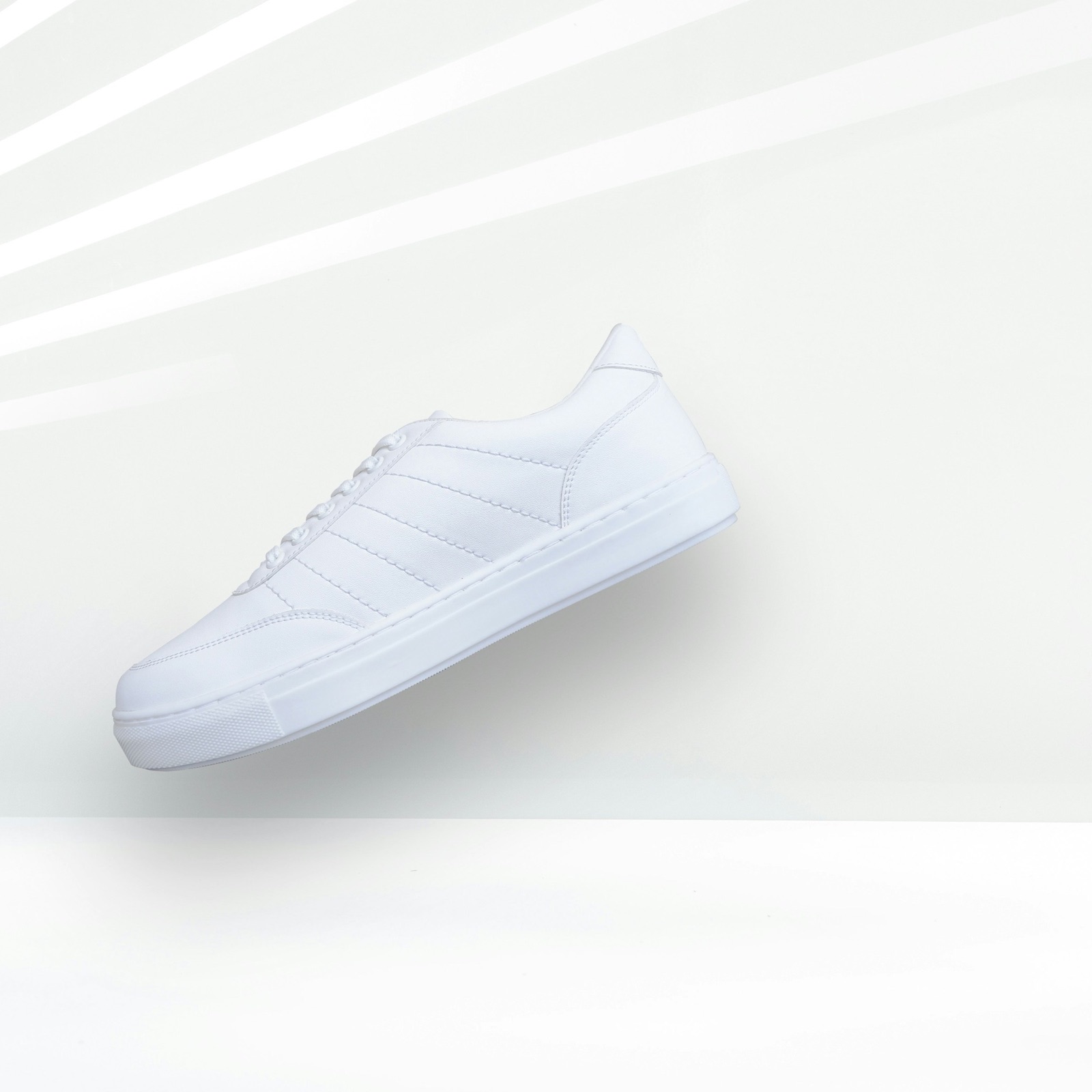 Uncategorized
stride_SS27.csv2 fields
SNEAKER LTH WHT 36-46
CategoryNot classified yet
- 1ShoesClothing · Bags
- 2SneakersBoots · Sandals
- 3Low-top trainersHigh-tops · Slip-ons
Instructions for Low-top trainers
Trainers cut below the ankle, with laces or a strap. High-tops and slip-ons go elsewhere.
Fields from this category
- Upper materialLeatherShoes
- SoleRubber cupsoleSneakers
- SizesEU 36 to 46Shoes
- ClosureLacesLow-top trainers
Now in your shop's filters: Upper material, Sole, Size






Sound familiar?
If one of these sounds like your catalogue, this page is for you.
How it works
From a supplier row to the right shelf, in five steps.
What happens to every new product from the moment it arrives, without anyone sorting it by hand.
It arrives
A new product comes in, often with little more than a code, a short title and a few columns from the supplier.
It is read
Cernel reads its title, brand, description, product data and images, the way someone on your team would.
It is sorted
At each level of the tree it picks the subcategory that fits best, down to the most specific one, following the instructions written for each category.
It gets its fields
The category brings the fields that kind of product needs, and the agents that fill them.
It goes back
You choose what goes live automatically and what gets a review step. Filled values go back to your PIM or shop, or out as a file in your own columns.
Your own taxonomies
Every category follows its own instructions.
Describe each of your categories in plain words: what belongs in it and what does not. Try it on a few of your products, read why each one landed where it did, and only then sort the catalogue.
Your shop's categoriesLighting › Ceiling lamps
What belongs in Ceiling lamps
Lamps that hang from or are fixed to the ceiling: pendants, chandeliers and flush mounts. Lamps that stand on a table or the floor, and lamps fixed to a wall, go elsewhere.
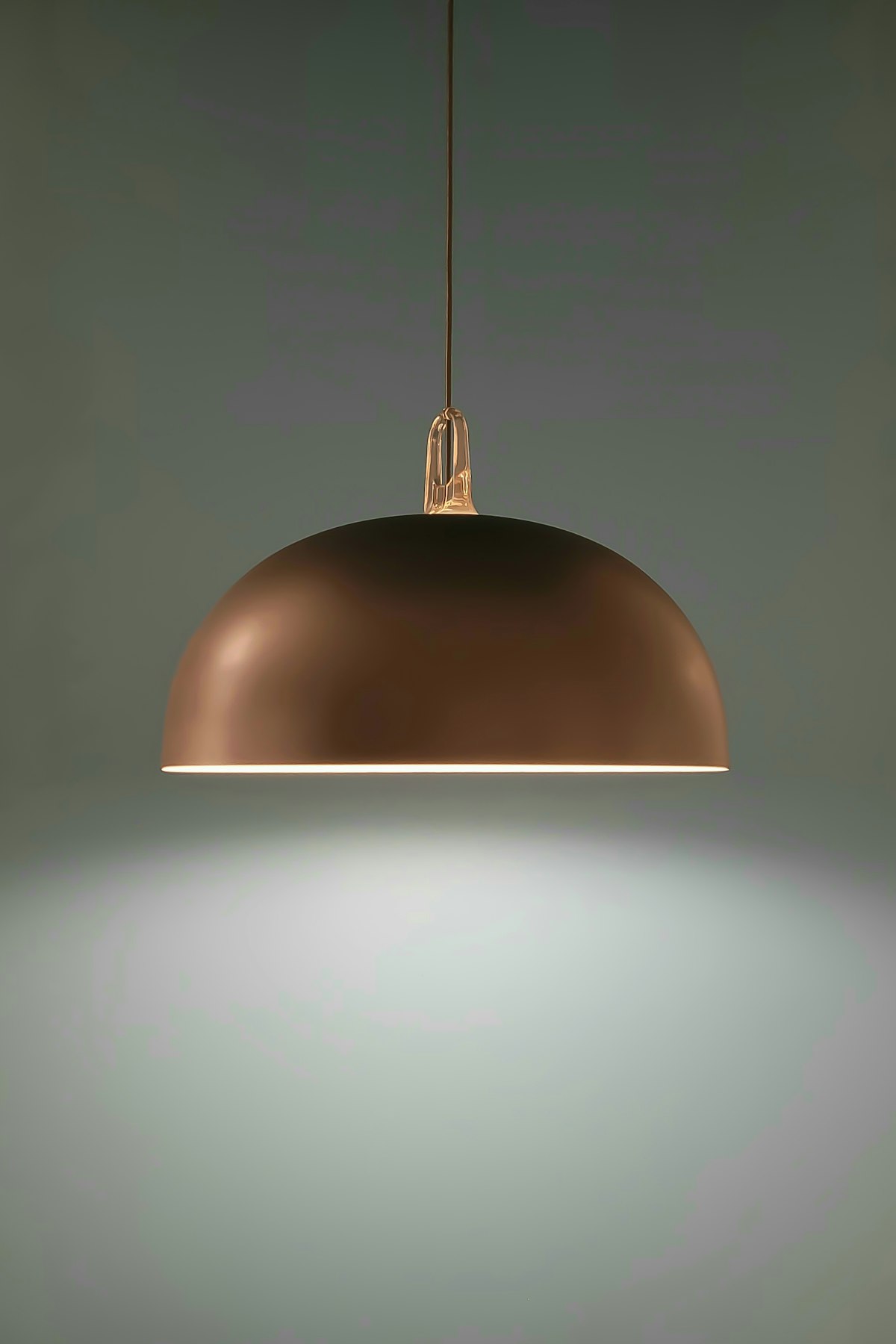 Copper pendant lampCeiling lampsHangs from the ceiling on a cord.
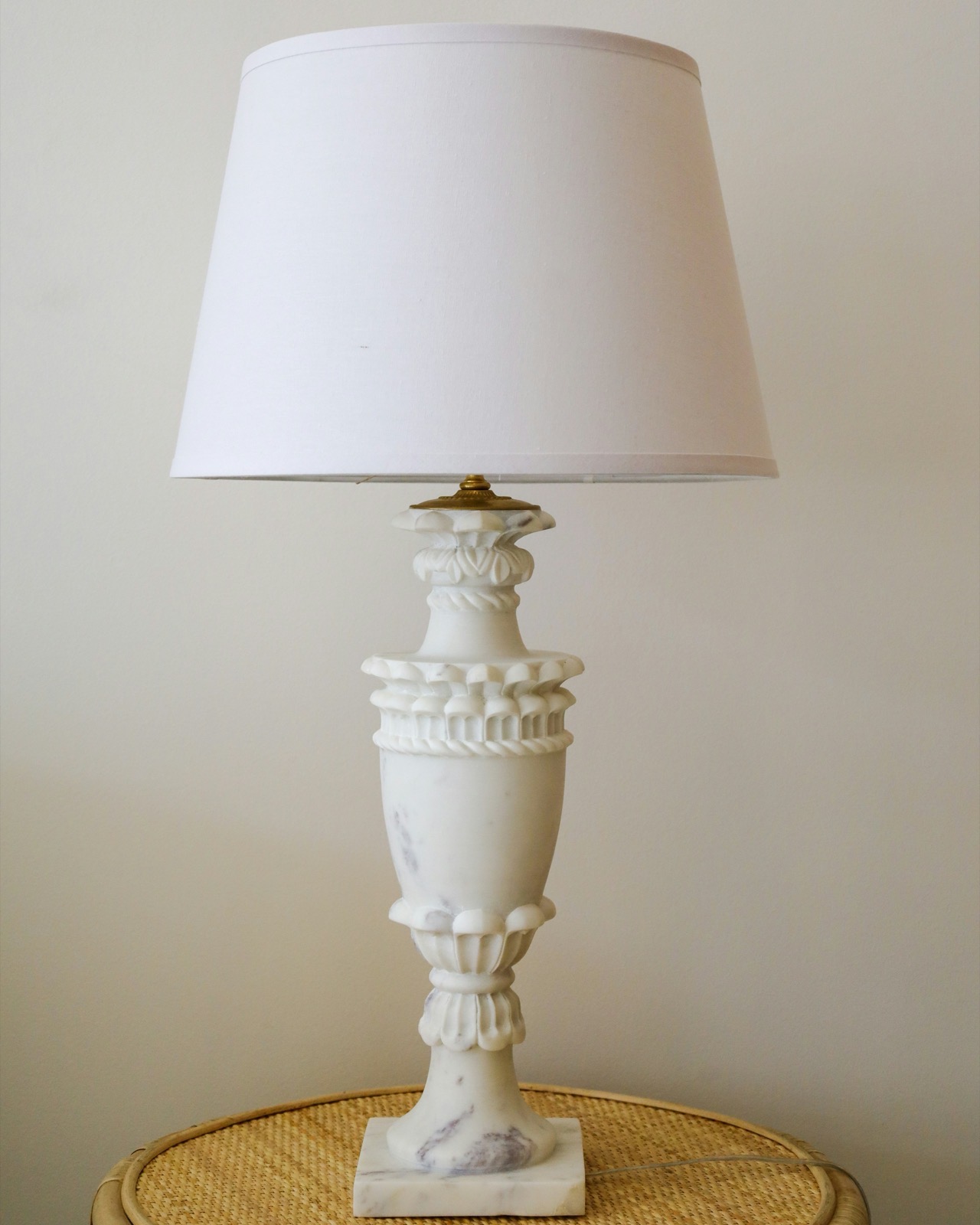 Alabaster table lampTable lampsStands on a table, with a plug.
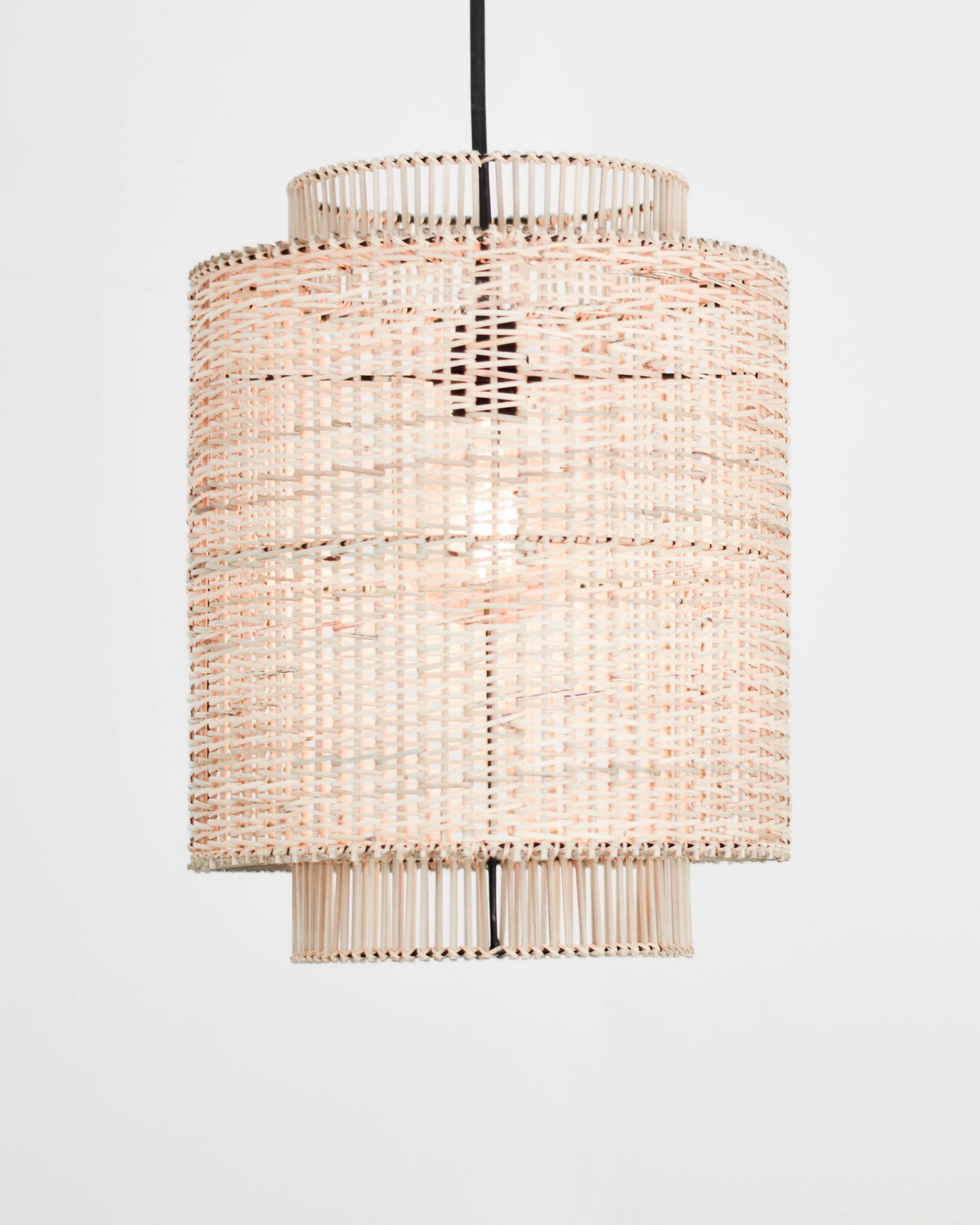 Rattan cylinder pendantCeiling lampsA pendant shade on a ceiling cord.
 Brass wall lightWall lampsFixed to the wall, not the ceiling.
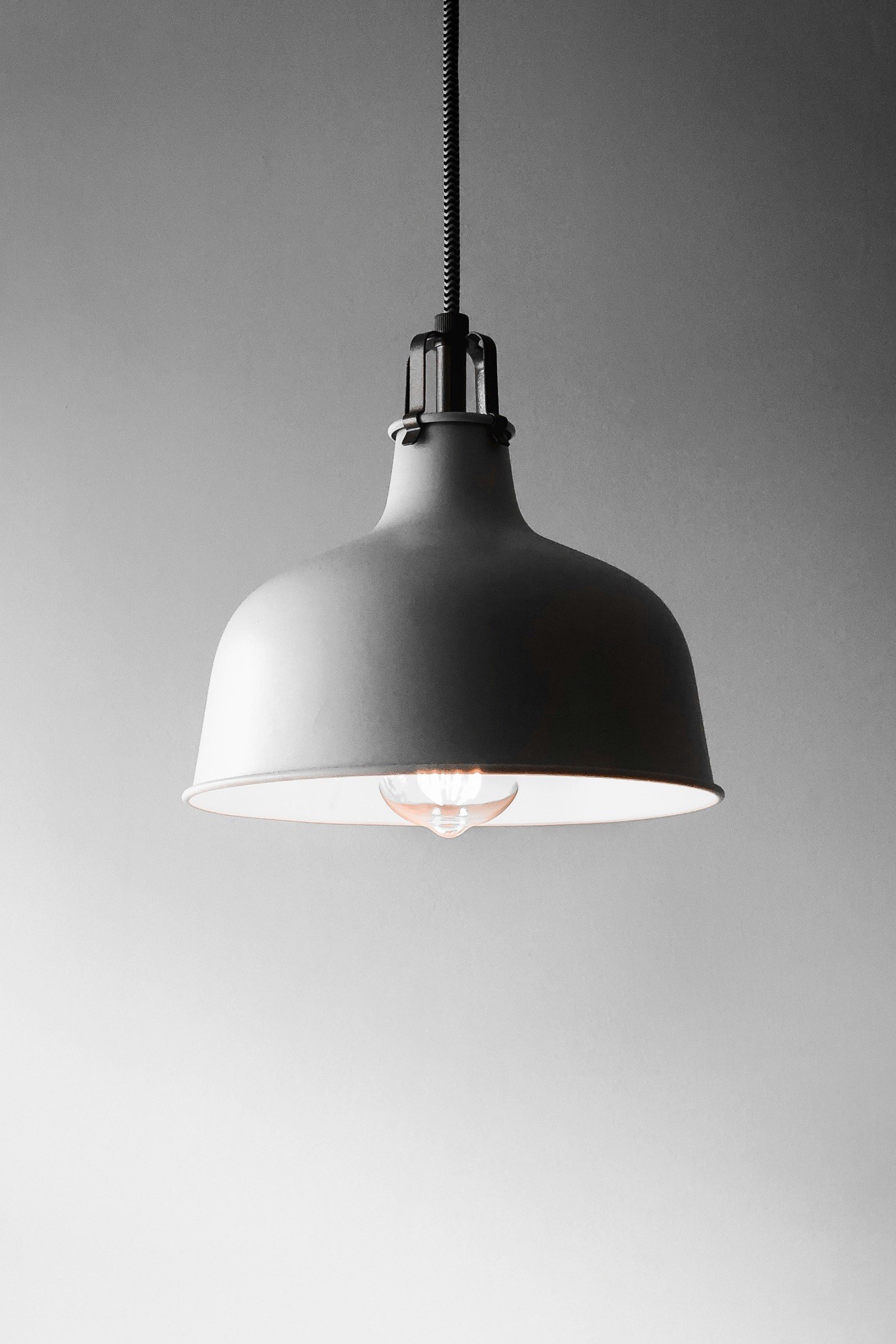 Grey dome pendantCeiling lampsA dome pendant for over a table.
Copper pendant lamp, in three category trees
- Your shop
- Lighting › Ceiling lamps › Pendants
- Google product category
- Lighting › Lighting Fixtures › Ceiling Light Fixtures
- Marketplace
- Home › Lamps › Pendant lights
Nothing guessed
3,000 new products, sorted as they arrive. None of them guessed.
When a product has too little to go on, it stays Uncategorized where your team can see it, instead of landing somewhere wrong where nobody looks for it.
Sorted Uncategorized, for a person to look atEach dot is 10 products
0of 3,000 sorted into their category
- Shoes0
- Clothing0
- Home0
- Lighting0
- Beauty0
- Office0
Uncategorized 10 products, like SKU 88-1043
ITEM 88-1043 BLK
No description, brand or image to go on.
Add a short description or a photo, then classify it again.
Each product's Google product category follows its category, ready for your shopping feeds: Product feed management.
In and out
What goes in, what comes out, and what stays yours to decide.
- Comes in from
- Your PIM, your shop, your ERP or any other system through the API, a product feed, or supplier CSV files.
- Taxonomies
- A ready-made category tree, kept up by Cernel, on every product. Your own trees next to it, for your shop's menu, merchandising or a channel's required categories.
- Every category
- A description and extra instructions in plain words, its own fields, and the agents that fill them. Try the wording on a few of your products before you sort the catalogue.
- You decide
- You choose which values go live automatically and which get a review step; review steps check every value and only ask a person when something fails or needs a decision. Any product can be moved by hand, one at a time or in bulk.
- Goes out to
- Back to your PIM or shop, a file in your own columns, or a shopping feed file, with each product's Google product category set from its category.
Tiffany Lighting Direct
Tiffany Lighting Direct gets a new supplier range live in days, not months
- to get a new supplier range live
- Days
- products from 20+ brands
- 13,000+
- extra hires needed
- 0

Firtal Group
Firtal Group added a thousand extra hands without adding headcount
- products enriched
- +25K
- organic traffic to product pages
- +20%
- faster time to market
- +80%

Molly & My
Molly & My builds every market on one foundation
- products enriched across 8 markets
- 20,000
- faster time to market
- 4x
- organic traffic to product pages
- +29.3%

FAQ
Questions about product categorization.
What is ecommerce product categorization?
It is placing every product in the category where it belongs, in a tree that runs from broad to specific, so it gets the right fields, filters and channel categories. Cernel does it automatically: as products come in, each one is sorted into its category.
How does Cernel decide which category a product belongs in?
It reads the product's title, brand, description, data and images, and works down the tree, choosing the subcategory that fits at each level until it reaches the most specific category. When a product has too little to go on, it is left Uncategorized instead of being guessed.
Can we use our own product categories?
Yes. Bring your own category tree, describe each category in plain words and test it on a few of your products, with the reasoning for every choice, before you sort the catalogue. You can keep several trees side by side, and each product keeps its place in every one of them.
Can a product be in more than one category?
Yes, in your own category trees: choose it when you set the tree up, and a product can sit in several categories at once, such as Ceiling lamps and New in.
What are category-level attributes?
Fields you add to a category rather than to single products. A field set on a parent category applies to every subcategory beneath it, with its agent. A subcategory can add fields of its own, or use a different agent for a field set higher up.
Can we correct a category by hand?
Yes. Change it on the product, while reviewing a proposed category, or for many products at once. A product's Google product category follows its category, also after you move it.
Where to next
Sorted is the start. Next, make it complete and get it found.
 Make it complete
Product data enrichment
Agents fill the fields each category asks for, for every product.
 Get it found
Market insights
The attributes shoppers search for in each category, and which ones your data is missing.
 Every channel
Product feed management
A shopping feed file and exports in each channel's columns, categories included.